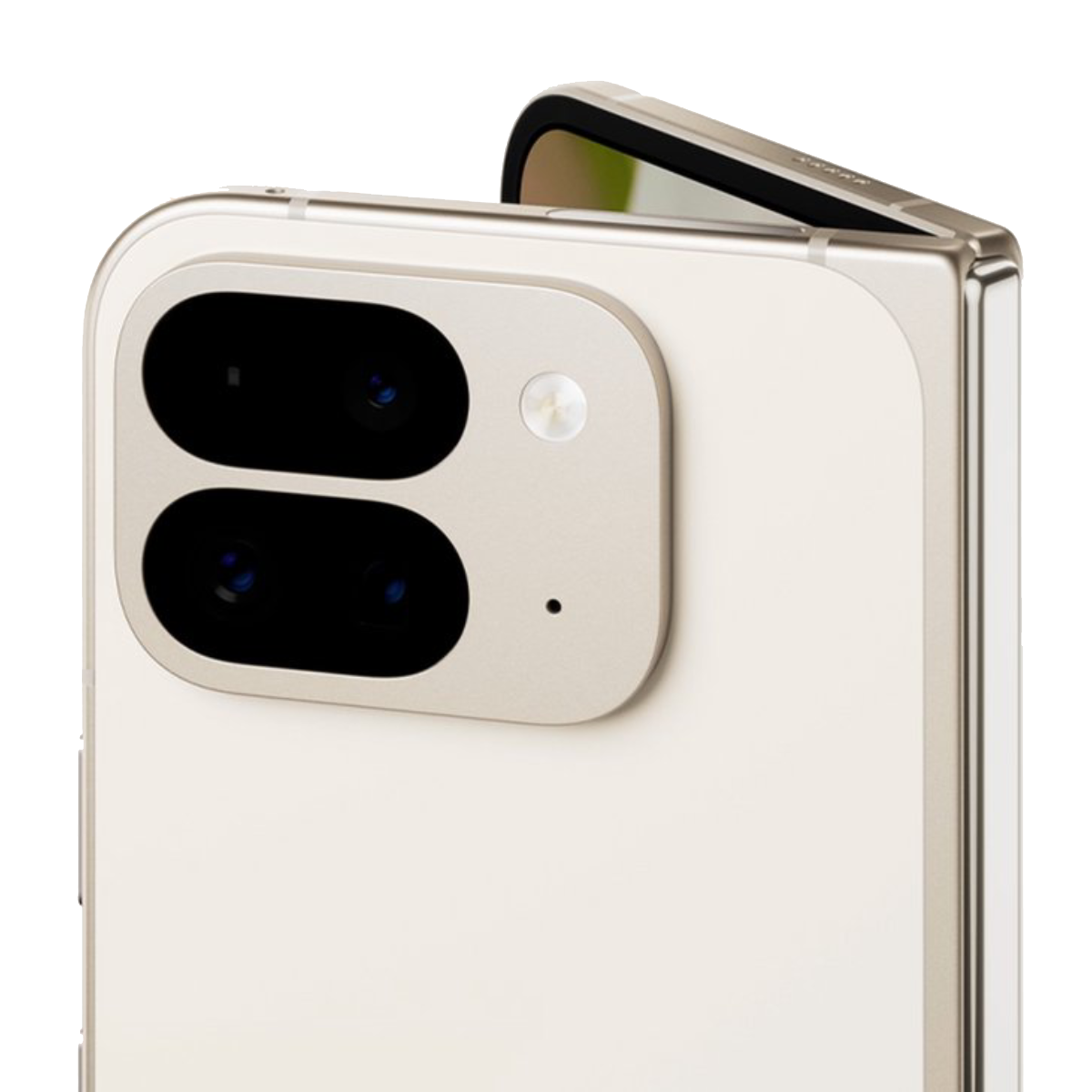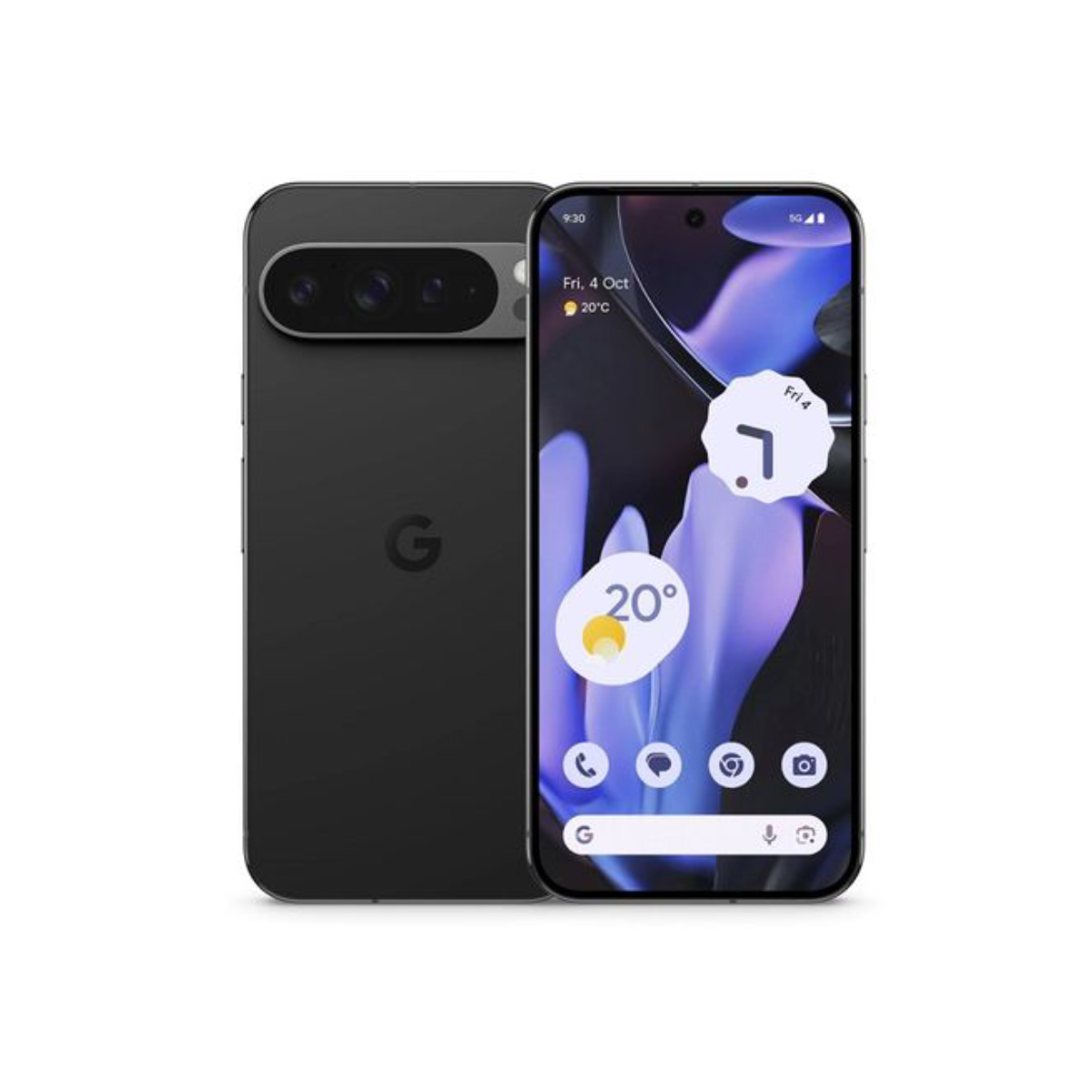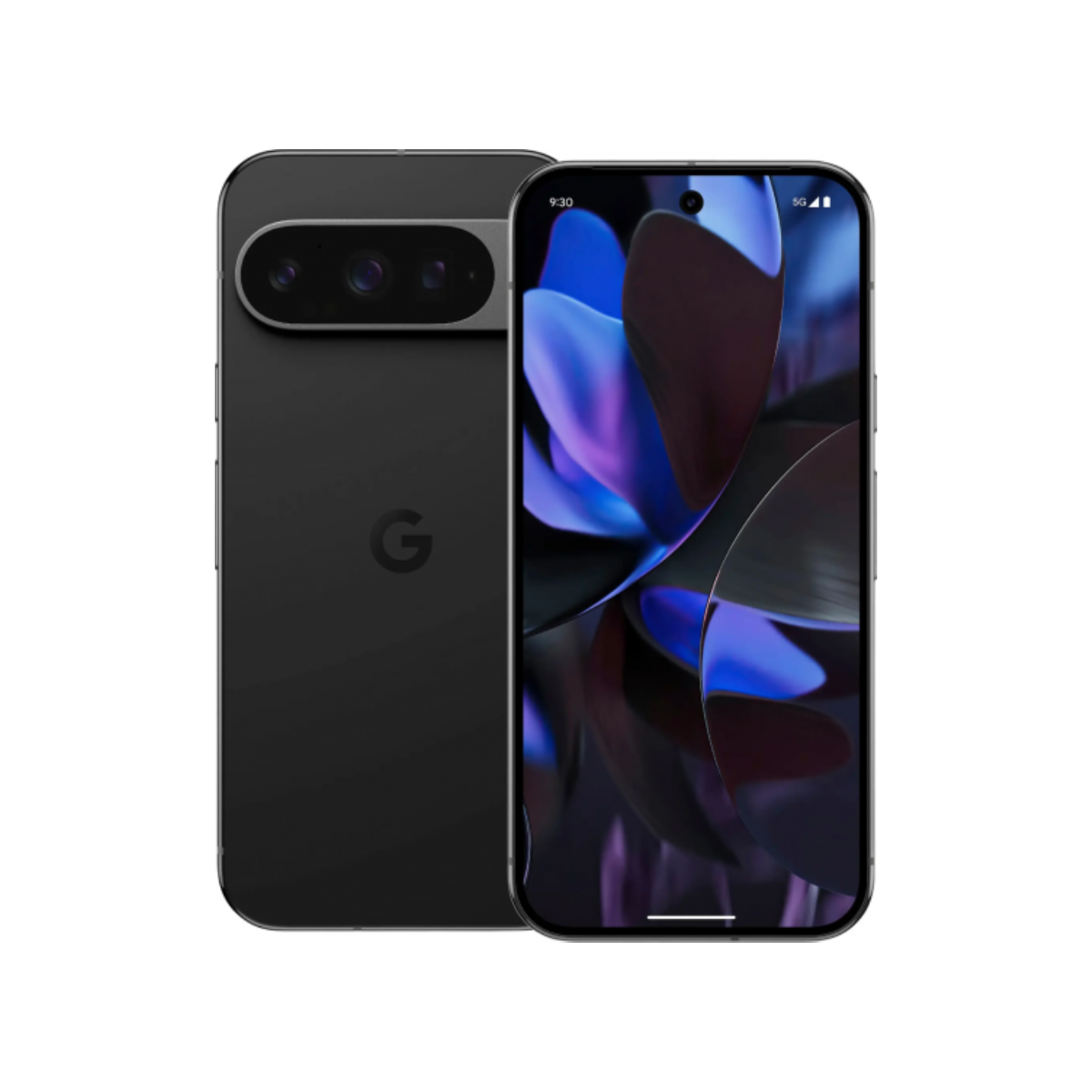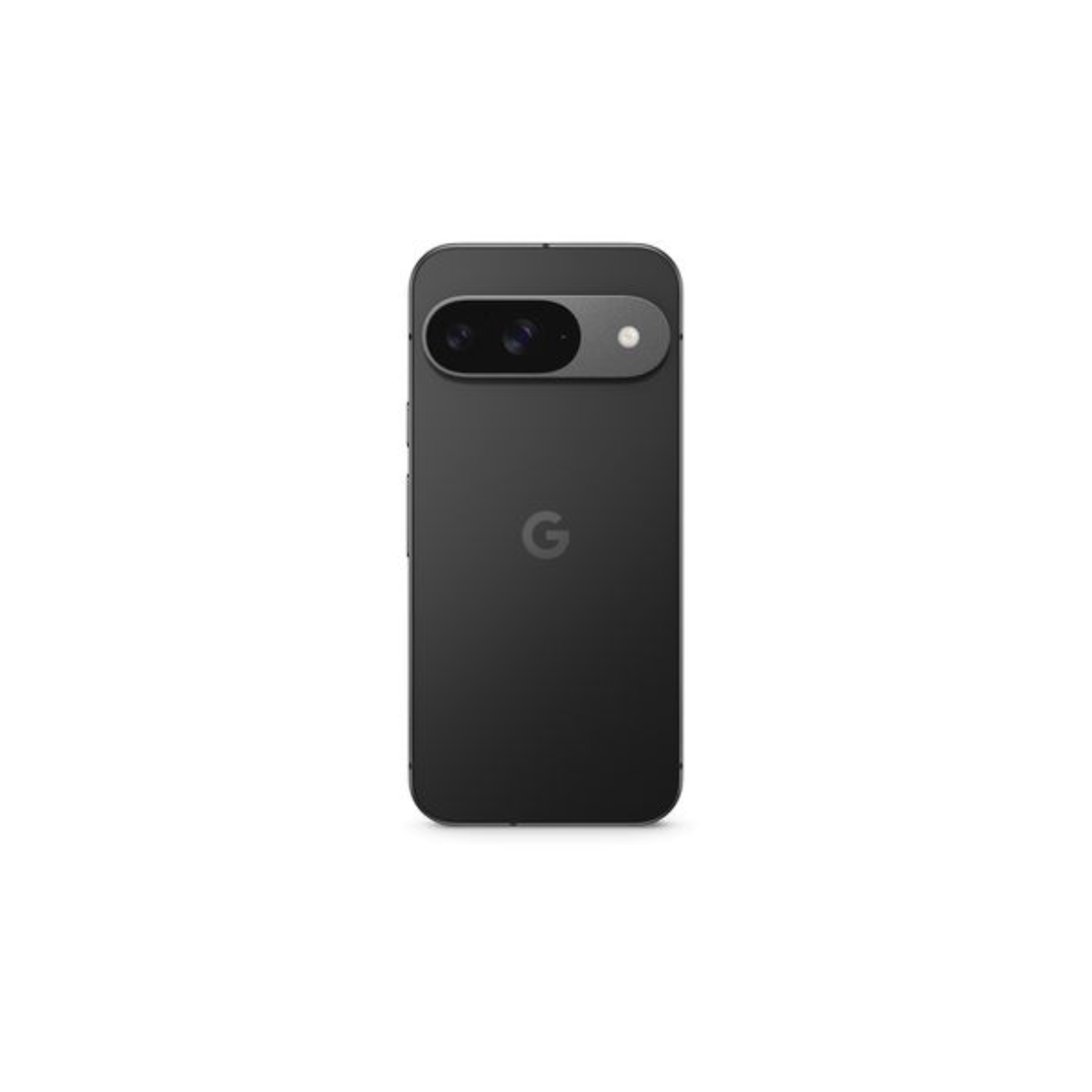
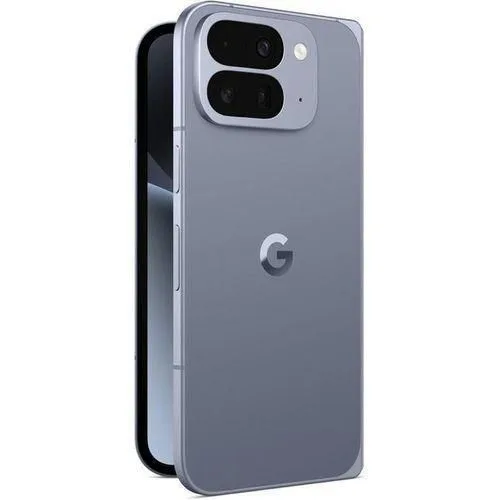
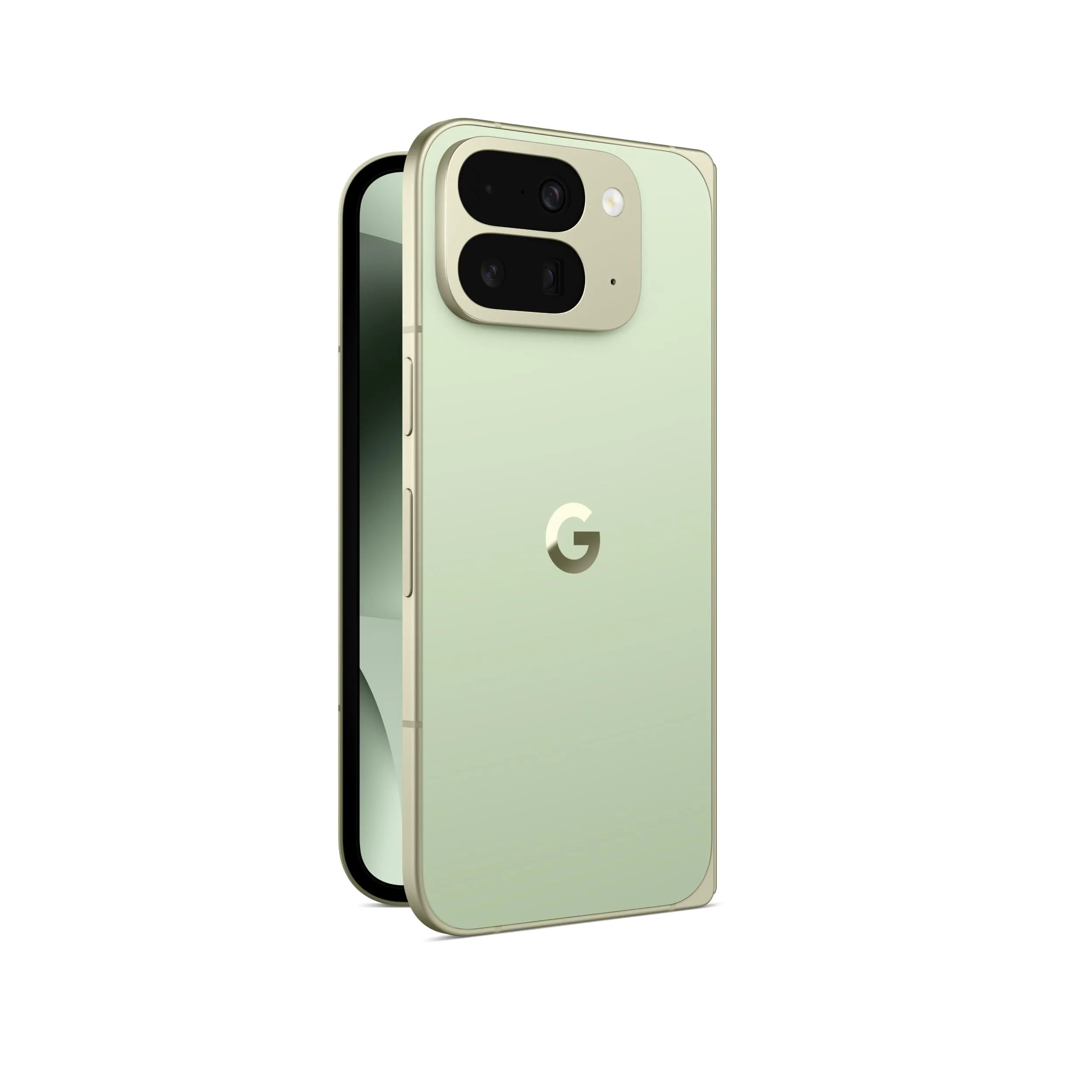
NEW BRAND 10PRO FOLD ESIM NON ACTIVE
Preorder
Internal Memory (GB)
Colour
In Stock
Out of Stock
This combination isn't available
Pay Deposit to Preorder Pay in Full
100% Genuine
Warranty Included
Nationwide Delivery
Description
The Google Pixel 10 Pro Fold fully supports eSIM technology alongside a physical nano-SIM slot. It allows dual-SIM functionality (using a physical SIM and an eSIM, or dual active eSIMs), making it easy to run separate personal and business lines or connect to local networks when traveling.
eSIM Features & Specifications
- Dual SIM Support: Uses Dual SIM Dual Standby (DSDS) with a nano-SIM and eSIM combination.
- Physical Tray Retention: Unlike standard bar-style Pixel 10 models in certain regions, the Pixel 10 Pro Fold keeps a physical hardware SIM tray.
- Regional Restrictions: Devices bought in specific markets like China, Hong Kong, or Macau may have eSIM capabilities disabled.
How to Add an eSIM
- Swipe down twice from the top of your screen to open quick settings and tap the Settings icon.
- Go to Network & internet, then tap SIMs.
- Select Add SIM or Download a eSIM instead.
- Scan the QR code provided by your carrier or enter the activation details manually